
Jobs and trust
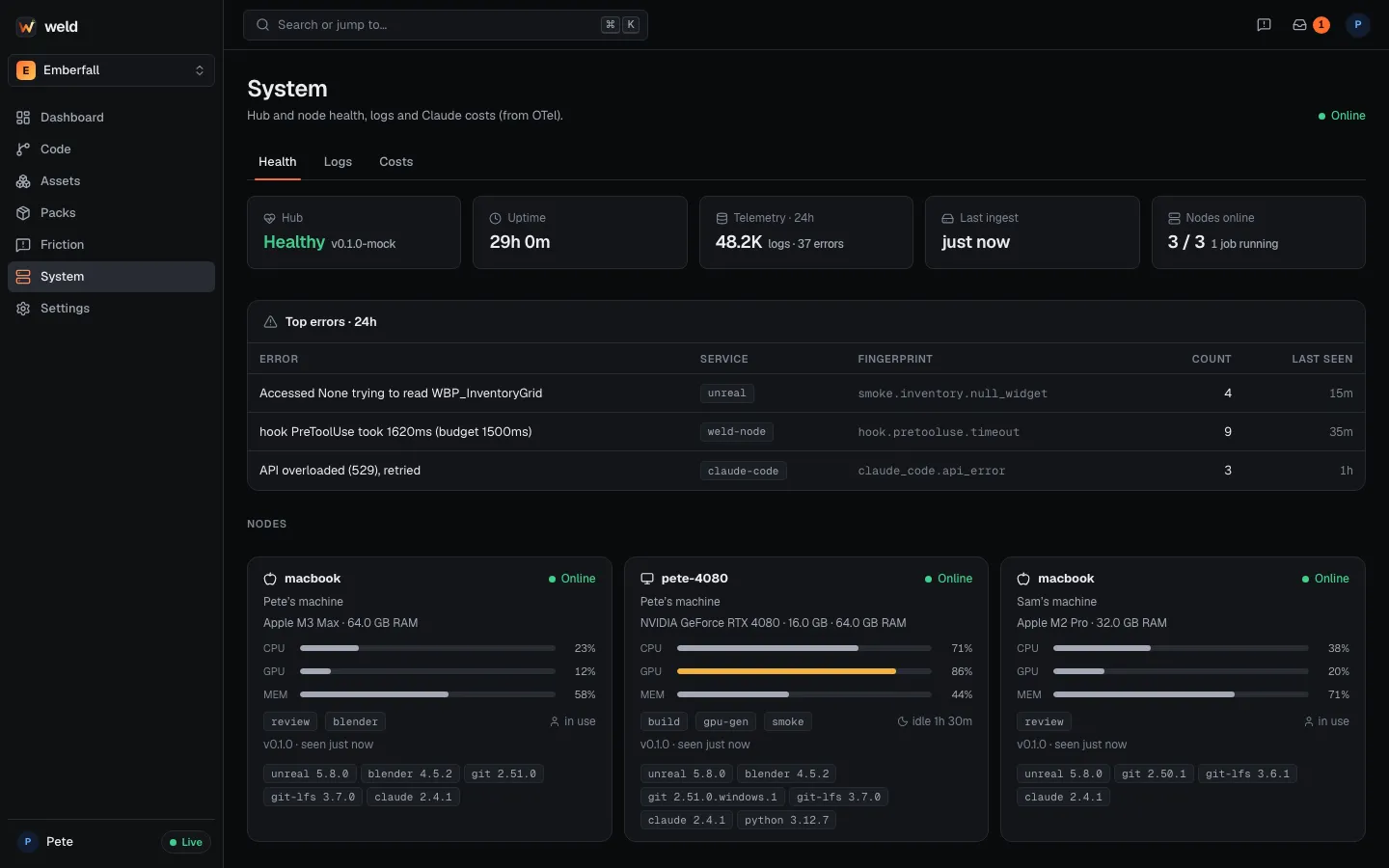
A job is a unit of work that runs on a node: package the game, run the smoke tests, generate a 3D mesh, clean it up in Blender. Jobs let anyone on the team use the machine that fits: a Mac user packages a Windows build on the team’s Windows PC, and a laptop sends 3D generation to the GPU box.
Typed, signed jobs
Section titled “Typed, signed jobs”Jobs have a kind with typed parameters, and every job is signed with the submitting device’s key. Common kinds:
| Kind | What it runs |
|---|---|
build.package |
Unreal BuildCookRun packaging (weld ship uses it) |
game.smoke |
Headless automation tests with structured results and screenshots |
test.t1 |
The project’s T1 tests for the merge queue |
blender.run, asset.preview |
Blender steps and asset previews |
asset.concept, asset.gen3d, asset.make |
Concept images, image-to-3D, the whole asset pipeline |
shell |
An arbitrary command (human-submitted, with extra approval rules) |
agent.run |
A background agent run (always on your own nodes) |
The hub routes each job to a node whose roles, OS and tools fit: --role build, --os windows,
--tool unreal, or a pinned --node. A node refuses a job that has waited too long to start
(15 minutes by default, --valid-for changes it).
weld jobs submit game.smoke --role build --waitweld jobs list --state queued,runningweld jobs logs job_7d1c --follow --grep errorweld jobs show job_7d1cweld jobs cancel job_7d1cThe native job runner (no Docker) captures logs, handles retries, timeouts and cancel, and keeps the machine awake while a job runs.
Who can run what on your machine
Section titled “Who can run what on your machine”-
Your own jobs run on your own nodes.
-
Typed jobs from teammates you trust (builds, smoke tests, asset jobs) just run. Trust is per key and set by you, after you compare fingerprints with the teammate over a channel you trust:
Terminal window weld node keys # your fingerprint, trusted keys, and keys the hub offersweld node trust sam # trust Sam's key after checking the fingerprint with Samweld node untrust samThe hub’s key list alone is never trusted.
-
shelljobs from others wait for you. Approve each one yourself, in your own terminal:weld jobs approve <job id>shows the full job, asks you, and signs the approval with your node’s key. The web dashboard only shows that command, and agents can’t approve. -
agent.runalways stays on the submitter’s own nodes. AI work never crosses from one person’s Claude account to another’s. -
Web asset requests run on your GPU node only if you opt in, locally:
weld node policy allow-web-assets(typed asset jobs of your own account only, with hourly, daily and triangle caps).weld node policy showlists your local policy.
Secrets
Section titled “Secrets”Project secrets (an itch.io key, a store API token) are stored encrypted on the hub and
leased just-in-time to a single job that declares it needs them, then exposed to its commands
as $WELD_SECRET_<NAME>. Values are never listed or printed.
weld secret set BUTLER_API_KEY --kind shell # value from a prompt, not the command lineweld secret listweld jobs submit shell --command "./upload.sh" --secret BUTLER_API_KEYweld secret rm BUTLER_API_KEY--kind limits which job kinds may lease a secret.