
Join a hub from a Mac
Time: about 10 minutes, plus any downloads. You need: a Mac with Apple silicon, a Claude Code subscription on your own account, and an invite from someone on the team.
-
Open your invite email.
A project owner ran
weld invite <your email>. Your hub created an invite bound to that address and emailed you a welcome: the install steps, then theweld nodecommand to run. Invites expire after 7 days by default. If yours expired or was revoked, ask for a new one. -
Run
weld nodein Terminal.Open Terminal,
cdinto an empty folder (or the game repo if you already have one), and run the command from the email:Terminal window weld node --hub https://<your-hub> # or just `weld node` on Weld's default hubweld nodefirst prints the hub it’s joining, so you can check it’s the right one. If you were sent an invite link instead,weld node https://<your-hub>/join/<code>works the same way. -
Prove your email and create your passkey.
Answer no to “already have an account?” and give the address you were invited at. The hub emails you a 6-digit code; type it in. The invite is accepted: your account and project membership are created, and your browser opens to create a passkey for the web dashboard (Touch ID works). If you can’t use the browser right now,
--no-browserprints the link instead.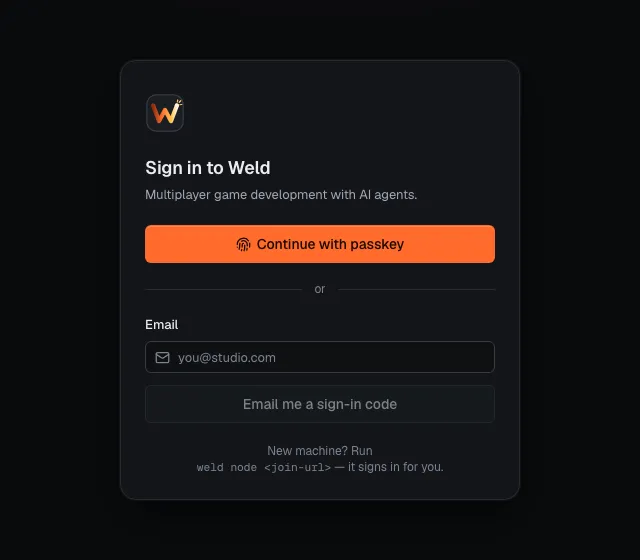
-
Let Weld set up the machine.
Weld lists your projects (and asks which is the default if you have several), names the machine after its hostname (asks first;
--node-namesets another), and configures git credentials for the hub, Claude Code telemetry and the Weld Claude Code plugin.It then checks for Git, Git LFS and the Claude Code CLI, shows the exact Homebrew or vendor command for anything missing, and asks “Install them now? [Y/n]”. Nothing else on your Mac is changed. If you’ll also process assets on this Mac, join with
--roles assetto add Blender and uv. -
Answer the privacy question.
Weld asks whether to share your Claude Code prompt text and tool details with the hub’s ops view (default yes). Metrics and costs are always sent. You can change this any time with
weld node telemetry --promptsor--no-prompts. -
Keep the node running.
Say yes when join offers to run the node at login (
weld node install-servicedoes the same later). The node is what Claude Code talks to. -
Check the green checklist.
Join ends with a checklist. Everything should be ✓. If a step failed, join exits with an error and lists the retry command under “Next steps”.
-
Get the game.
Terminal window weld clone "<Project>/<repo>"cd <repo>Already had a clone? Inside it, run
weld node linkandweld git setupinstead. -
Confirm Claude Code sees Weld.
Terminal window weld doctor --only claudeYou want ✓ for Claude Code installed and signed in, the plugin, its hooks, the MCP server and telemetry. Then start Claude in the repo:
Terminal window claudeThe first message of the session includes a short Weld note: your active Work, inbox and anything that needs you. If it’s missing, see Claude Code doesn’t show Weld context.
-
Look around.
Terminal window weld statusweld login # the web dashboard, signed inweld statusshould shownode daemon runningandhub online:weld 0.1.x node studio-mbp (nod_…)node daemon runninghub online https://<your-hub>jobs idletelemetry forwarded, nothing queuedEmberfall 0 live WorkNext: start `claude` in your repo and describe what to build; Weld tracks it as Work.
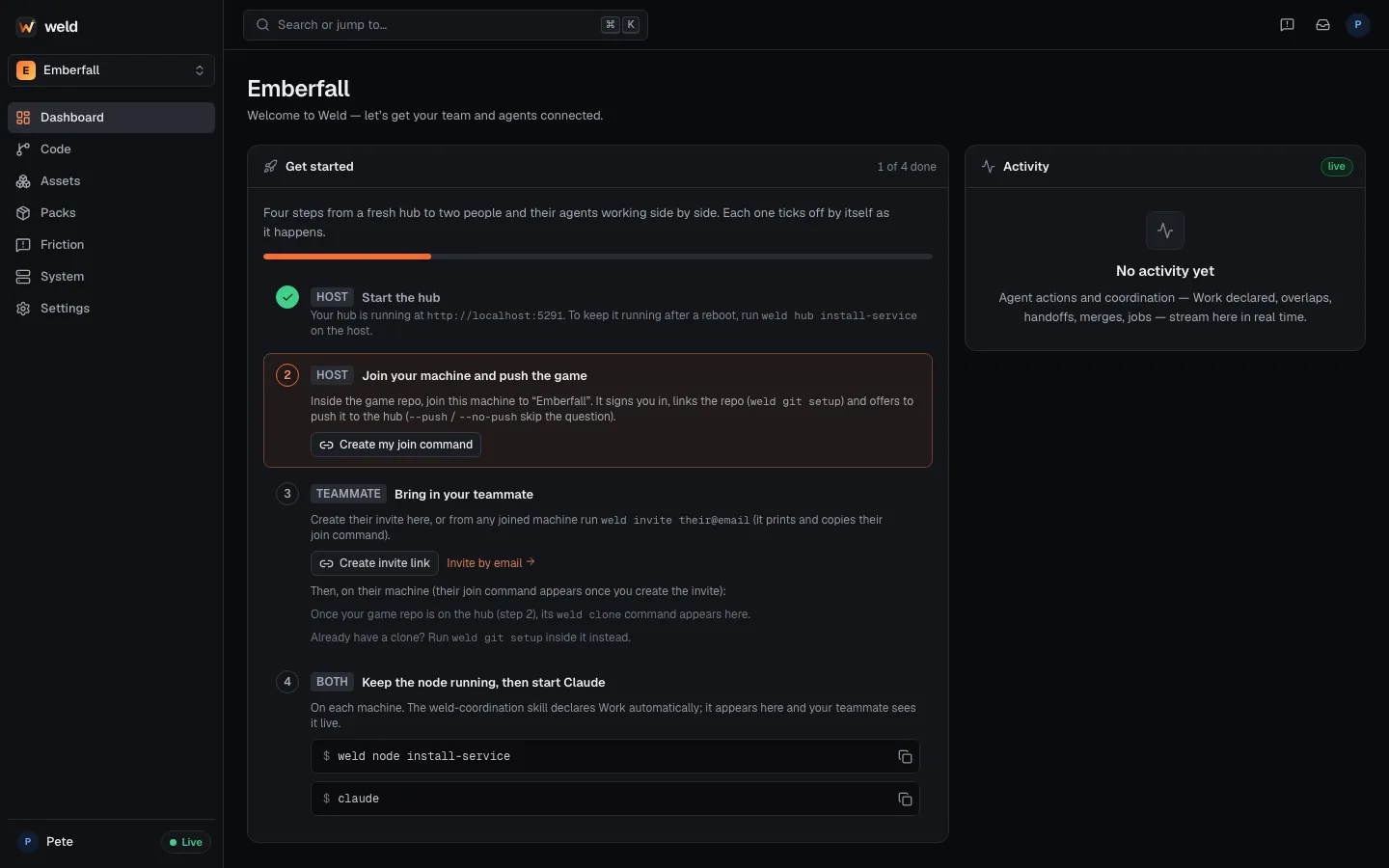
Adding another machine later
Section titled “Adding another machine later”On the second machine, run weld node --hub https://<your-hub> and answer yes to “already
have an account?”. Your browser opens the hub’s device page; sign in with your existing passkey
and approve the machine. No new invite or passkey needed.
- Daily workflow with a teammate
- Have a Windows gaming PC? Make it a build and GPU node.